01Emulation scope
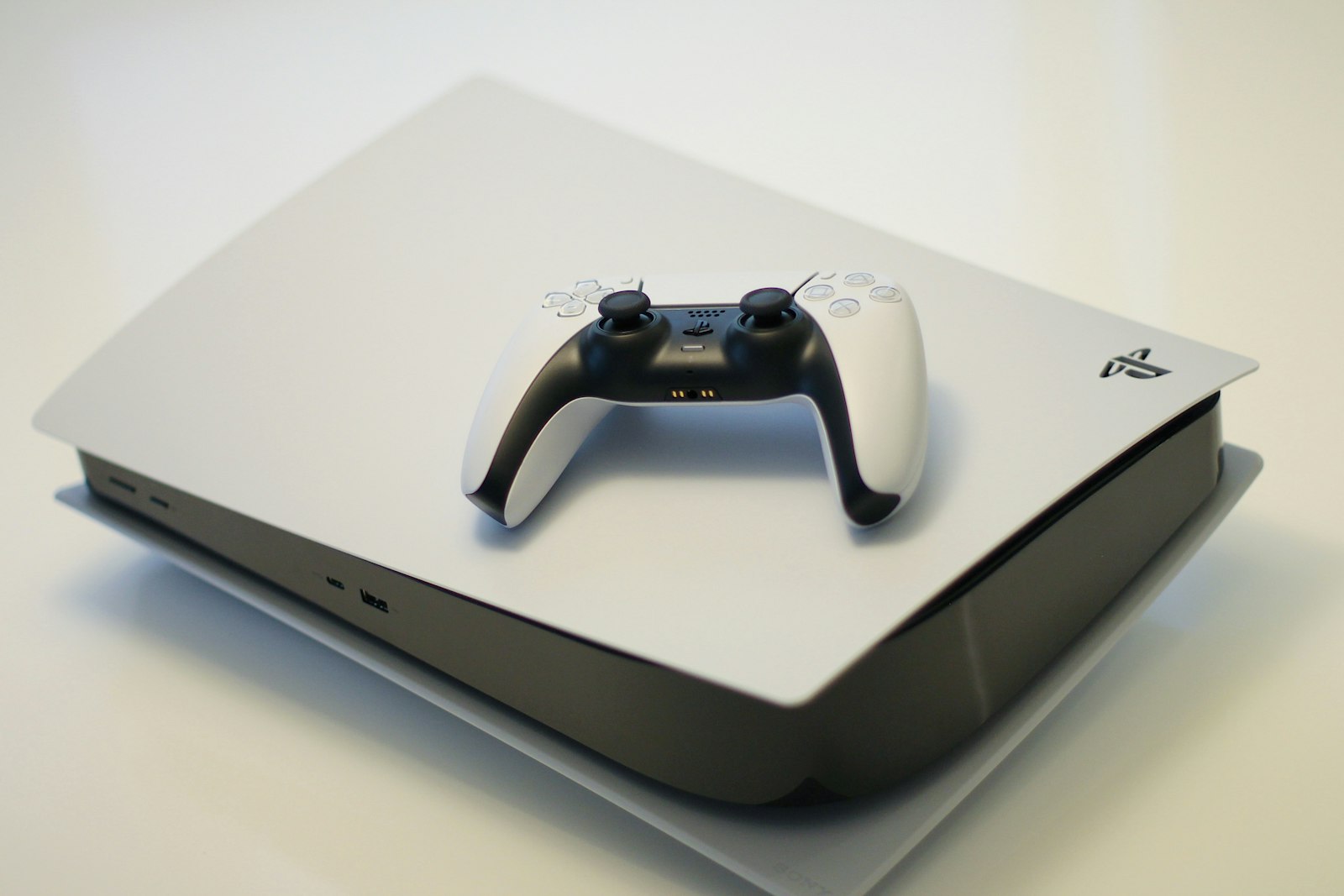
Meridian is a high-level PlayStation 5 emulator for Windows PC. Rather than simulating console hardware cycle-by-cycle (which would require immense compute overhead), Meridian takes advantage of the fact that modern PCs and the PlayStation 5 share the x86-64 instruction set.
Guest CPU instructions execute natively on your PC’s CPU cores via standard Windows user-mode processes. Meridian provides the surrounding ecosystem: mapping executable segments, resolving dynamic imports, translating graphics calls to Vulkan 1.3, forwarding audio to Windows WASAPI, and capturing controller input via DirectInput/HID.
Why native execution matters
Because there is no CPU instruction binary translation or dynamic recompilation overhead, Meridian achieves near-native CPU throughput on modern 6+ core processors with AVX2 support. The primary emulation work is in the graphics translation and system library mapping layers.
02Runtime architecture
When you click “Boot” in the Meridian Windows desktop launcher, a title passes through five core subsystems:
- Program Loader
- Opens the title directory, allocates virtual memory matching the guest executable layout, and sets up thread-local storage.
- Dynamic Linker
- Resolves imported symbols to Meridian’s high-level implementations of graphics, audio, input, and kernel functions.
- Kernel Subsystem
- Translates threads, semaphores, mutexes, and timers directly onto Windows NT synchronization primitives.
- Virtual File System
- Mounts game assets read-only from your PC library folder, while routing write requests to an isolated local save directory.
- GPU Translation Engine
- Parses console command buffers, manages descriptor pools, translates shaders to SPIR-V, and submits draw calls to Vulkan 1.3.
03Vulkan 1.3 graphics translation
The PlayStation 5 GPU shares architectural similarities with modern AMD RDNA hardware, but titles speak to it through a console-specific command format and pre-compiled bytecode rather than desktop DirectX or Vulkan.
Meridian’s GPU translator performs three primary tasks:
- Command Buffer Parsing: Intercepts render pass commands, pipeline barriers, and memory transfers.
- Shader Translation: Disassembles console shader binaries into intermediate representations and emits standard SPIR-V bytecode.
- Vulkan Pipeline Execution: Assembles Vulkan 1.3 graphics and compute pipelines using modern features such as dynamic rendering and synchronization2.

04Shader pipeline caching
Because shaders are translated at runtime, compiling a new shader on the fly can cause micro-stutter when a graphical effect or character appears for the first time. To eliminate repeated stuttering, Meridian implements a persistent on-disk pipeline cache:
- Cache Storage: Saved locally to
%LOCALAPPDATA%\Meridian\cache. - Driver Keying: In build 0.9.4, caches are indexed by your GPU driver version. Updating your graphics drivers starts a fresh cache for that specific driver version to prevent driver-level binary corruption.
- Asynchronous Pre-warming: Previously seen pipelines are compiled during game loading screens, ensuring smooth frame pacing during gameplay.
05DualSense & controller integration
Many PlayStation 5 games are designed around the unique features of the DualSense wireless controller. Meridian communicates directly with DualSense controllers over USB and Bluetooth using low-level HID reports:
- Haptic Rumble: Converts audio-frequency tactile vibration streams into precise dual-actuator voice coil rumble.
- Adaptive Triggers: Sends motor feedback commands to L2 and R2, reproducing trigger resistance curves, clicks, and stops in supported titles.
- Motion Gyroscope: 6-axis IMU tracking for aiming and motion-assisted camera control.
- Universal Controller Support: Meridian also includes built-in XInput translation, allowing full gameplay on Xbox controllers, third-party gamepads, and remappable keyboard/mouse controls.
06Low-latency 3D audio
Meridian implements a high-performance audio engine backed by Windows Audio Session API (WASAPI) in exclusive or shared mode. In build 0.9.4, the audio resampler was rewritten around output device period sizes, guaranteeing glitch-free playback on 44.1 kHz, 48 kHz, and 96 kHz gaming headsets and spatial audio hardware.
07Compatibility levels
We rate compatibility with three plain words rather than marketing percentages or fake 4K60 promises:
| Status | Technical Definition |
|---|---|
| Stable | Runs reliably from a cold start through to the end; a full playthrough is viable on the reference suite (with minor noted issues). |
| Beta | Playable with noted issues — visual or audio bugs, or shader-compile pauses during new scenes. |
| Test | Early evaluation: launches for testing on the reference suite, but not yet playable. |
08Project boundaries & legal clarity
- Own the games you already have: Meridian provides no games and links to none. It is designed to run legally owned titles on your PC.
- Bring your own firmware: the Windows installer ships no system software. Use File → Install Firmware with the official PS5UPDATE.PUP from Sony’s system software page, then File → Boot system software.
- Clean-room implementation: Meridian is an independent open-source project created through clean-room reverse engineering and documentation.
- No console server connectivity: Meridian does not connect to PlayStation Network or console online accounts; titles operate strictly in offline mode.
- Not affiliated with Sony: Meridian is not affiliated with, endorsed by, or sponsored by Sony Interactive Entertainment.